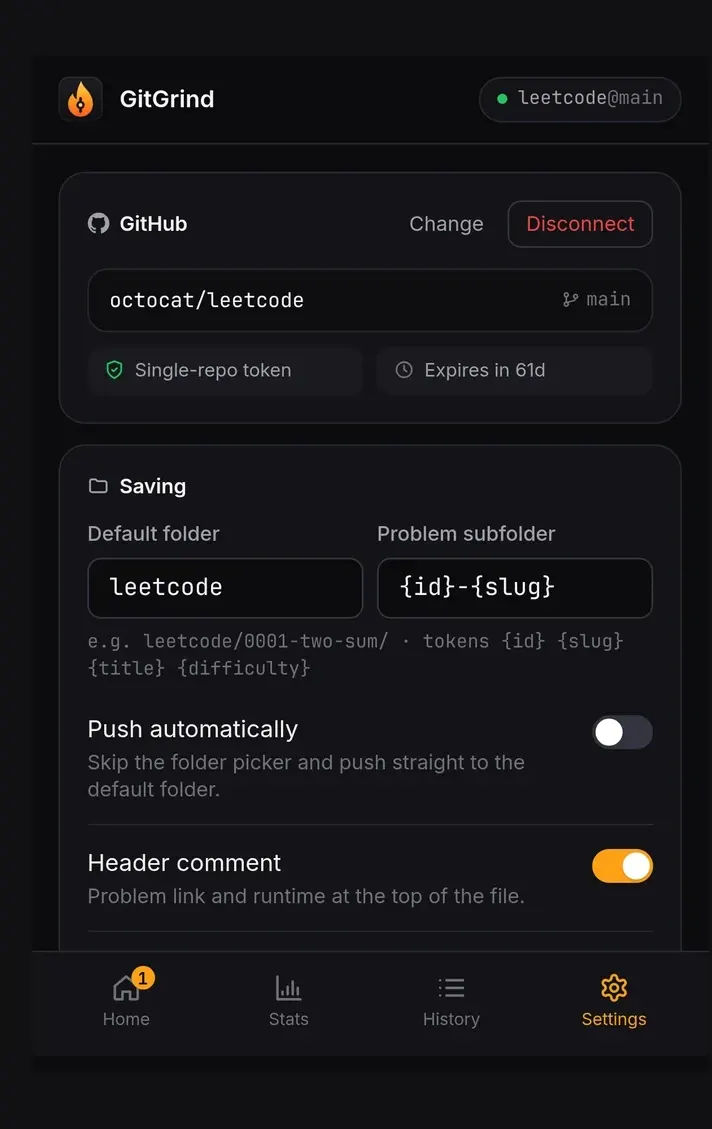
GitGrind, my Chrome extension, commits LeetCode solutions to a GitHub repo. To do that it needs a token, and a token that can write to one repo is very different from one that can write to all of them. A classic ghp_ token is the second kind. If it leaks, someone can push to every repository you own.
GitHub's fine-grained tokens fix that: you pick the repositories and the exact permissions. But the extension only gets a string. The setup page can ask for "only this repo, only Contents: Read and write", and people will still paste whatever token they had lying around.
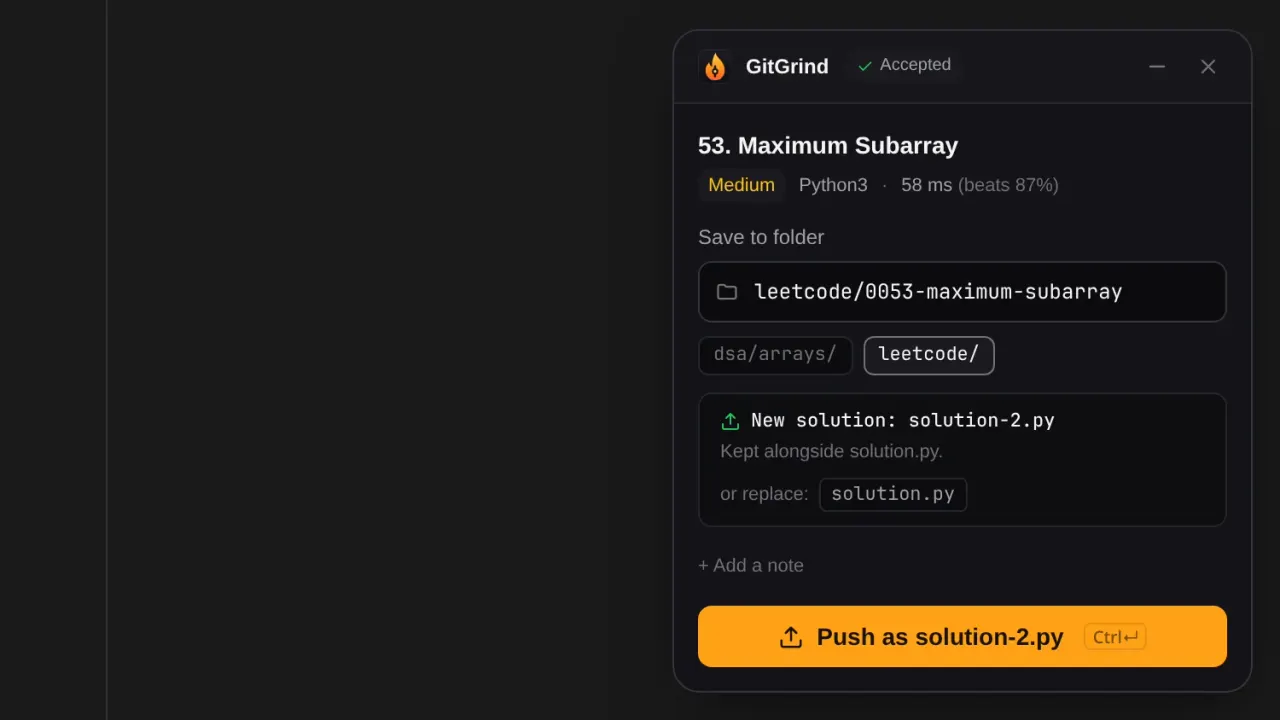
So GitGrind checks, and refuses tokens that are broader than it needs. The interesting constraint is that it has to find out what a token can do without doing anything to the repo.
The checks, in order
1. The prefix. Fine-grained tokens start with github_pat_, classic ones with ghp_. That's a free first filter with a helpful error message.
2. Other private repos. Every fine-grained token can read all public repositories, so seeing public repos says nothing. But a token limited to one repo can't see your other private ones. So GitGrind lists the private repos the token can see, and if there's anything besides the chosen one, the token is too broad.
3. Extra permissions, probed with reads. Some endpoints are never public, even on public repos: the deploy keys list (needs Administration), the Actions secrets public key (needs Secrets) and the webhooks list (needs Webhooks). A Contents-only token always gets a 403 or 404 there. If any of those succeed, the token has a permission it shouldn't, and it's refused. Read-only probes mean nothing changes, whatever the answer.
4. Write access, last. Only once the token is known to be narrow does GitGrind check that it can write, and it does that by creating an empty blob through the Git Data API. A blob that no tree or commit points to doesn't show up anywhere and gets garbage-collected, so the check doesn't touch any branch.
GitHub also sends the token's expiry in a response header, so GitGrind warns if there isn't one and reminds you a week before it runs out.
Keeping the token away from the page
Checking the token is half of it. The other half is where it lives afterwards.
- Chrome's
storage.localis readable by an extension's content scripts by default, and a content script runs inside leetcode.com's page. GitGrind callssetAccessLevel({ accessLevel: 'TRUSTED_CONTEXTS' })so only the popup and the background worker can read storage at all. - The script on leetcode.com gets the few things it shows (settings, history, waiting solutions) from the background worker through an allow-list that never includes the token.
- The extension's content security policy only allows connections to
api.github.comandleetcode.com. - Paths are checked before every write: no
.., and nothing inside.gitor.github, so even a stolen token couldn't be used through GitGrind to plant a GitHub Actions workflow.
What I took from it
- "Ask for least privilege" isn't the same as having it. If you can verify the scope, do.
- Prefer probes that can't change anything: a read that should fail, or a write that nothing points to.
- Check scope before checking write access, so you never write with a token you'd have refused.
- Be honest about the limits. The token is still stored unencrypted on disk, like everything in a browser profile. Keeping it narrow and expiring is what limits the damage.